KUKO AI Fitness — Delete your account and data

GifGif Studio

Applies to: KUKO AI Fitness, package com.gifgifstudio.kuko_ai_fitness
Developer: GifGif Studio
Address: Görükle Mah. Koza Cad. No: 14/1
Nilüfer / Bursa
Türkiye
Contact: info@gifgifstudio.com
Last updated: 2026-08-04

The short version. KUKO AI Fitness keeps your diary, profile and history on your phone, not on our servers. There is no account database to delete from. Removing everything takes one tap in the app, and uninstalling removes it too.

1. Delete everything from inside the app

This is the complete and immediate route. It erases every piece of data the App holds.

  1. Open KUKO AI Fitness.
  2. Go to the Profile tab (bottom right).
  3. Tap Settings.
  4. Tap Privacy and data.
  5. Tap Delete all my data and confirm.

Everything below under “What is deleted” is removed at that moment. Nothing is recoverable afterwards, by you or by us.

2. Unlink your Google account

Signing in is optional and uploads nothing. If you did sign in, sign out to end the session and discard the name, email address and profile picture the App received from Google:

  1. ProfileSettingsSign out.

You can also revoke the App's access entirely from your Google Account at myaccount.google.com/permissions.

3. Uninstall

Uninstalling KUKO AI Fitness removes the App's private storage, and with it every item listed below. No copy is left behind on your phone, and there is no copy on our side to leave behind.

4. Ask us instead

If you cannot open the App — for example you have already uninstalled it, or the device is lost — email info@gifgifstudio.com with the subject “Delete my data”.

We will reply within 30 days. In practice there is usually nothing for us to delete, because the App stores your data on your device and we operate no account database; we will confirm that in writing so you have a record. If you signed in with Google, tell us the email address you used and we will confirm that nothing is held against it.

5. What is deleted

DataWhere it livesWhen it goes
Profile: age, sex, height, weight, target weight, activity level, goalYour deviceImmediately, on delete or uninstall
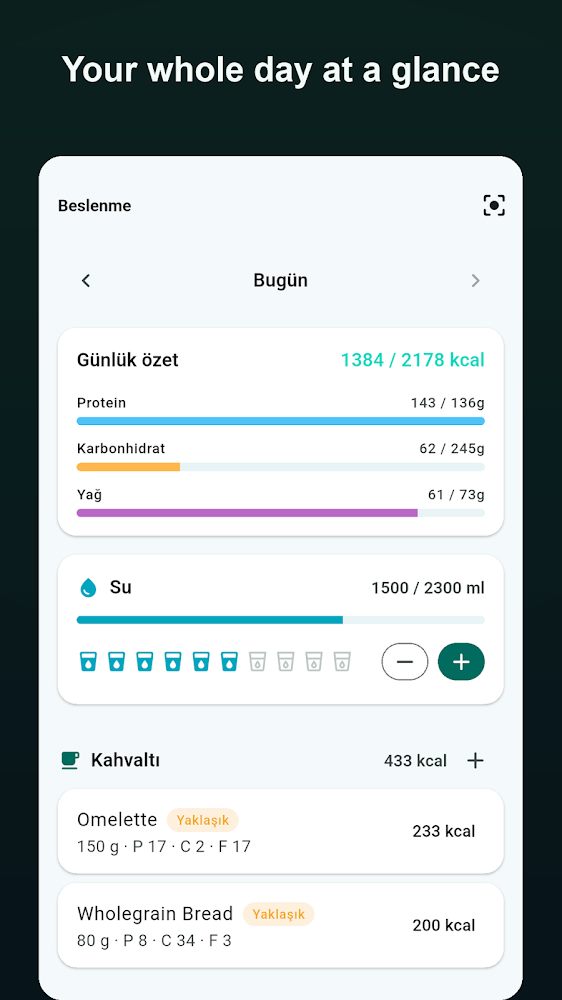
Food diary, water log, workout sessions, meal plansYour deviceImmediately
Favourite recipes, reminders, language and theme settingsYour deviceImmediately
Daily step and activity totalsYour deviceImmediately
Google account name, email, profile pictureApp session onlyOn sign-out, delete or uninstall
Meal photosNowhere — see belowNever stored in the first place

6. What is kept, and for how long

Two things do not disappear when you delete the App, because neither is your data:

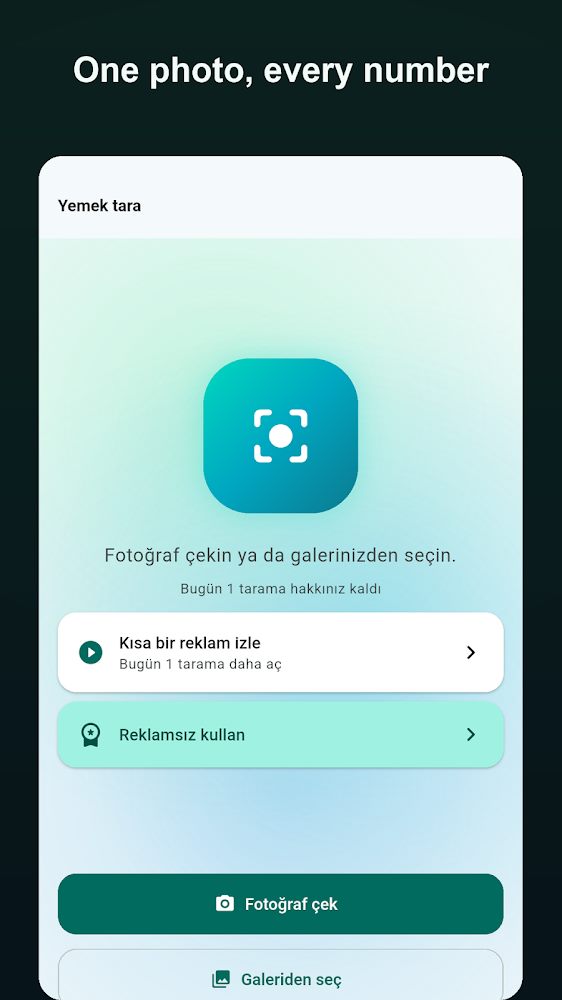
Meal photos are never retained. When a photo cannot be identified on your device it is sent for analysis, the result is returned, and the image is discarded. It is not written to storage at any point, so there is nothing to delete.

7. Deleting some of your data without deleting everything

You do not have to erase the lot. Individual food entries, workouts, water and favourites can each be removed in the App where they are shown. Signing out removes the Google account details on their own, leaving your diary intact.